
How Much JavaScript Are You Actually Shipping With Google Analytics?
You know that moment when you paste the Google Analytics snippet into your site, hit deploy, and think (it's just a tiny tracking script, what could go wrong?). I have done this more times than I care to admit. Over nearly three decades of building things for the web, I have added GA to countless projects without ever stopping to ask: how much JavaScript am I actually shipping to my users?
Turns out, the answer is a lot more than you would expect.
The base script is just the beginning
The GA4 base script (gtag.js) clocks in at roughly 135KB gzipped. That is already chunky for a single third-party resource, but here is the catch: that is not a static file. Google dynamically loads additional modules depending on your setup. Things like Google Signals, advertising integrations, and remarketing features all pull in extra chunks. So while your first network request might look smaller, the cumulative payload after the initial load easily lands in that 135KB territory.
And honestly? Most of us are not running vanilla GA4.
If you are using Google Tag Manager to deploy it (and most teams are), add another 30 to 50KB+ gzipped on top. An empty GTM container is tiny, but in the real world nobody ships an empty container. You have conversion events, pixels, custom triggers (the works). I have seen GTM setups that balloon past 150KB on their own.
Now layer on the cookie consent banner. Because GA4 places cookies and collects personal data, you need one. Cookiebot adds around 35KB gzipped. OneTrust? A hefty 121KB. And these are not just dead weight (they execute immediately, block rendering, and compete for the main thread).
Add it all up and you are looking at:
| Script | Gzipped Size |
|---|---|
| Google Analytics (gtag.js) | ~135KB |
| Google Tag Manager | ~30-50KB+ |
| Cookie consent banner (e.g., OneTrust) | ~121KB |
| Total | ~285-305KB+ |
That is over a quarter of a megabyte of JavaScript before you have written a single line of your own application code.
Why this actually matters
So it is heavy. But does heaviness actually matter if it loads in the background?
"But Roger," I hear you say, "it loads asynchronously. The browser does not block."
Sure, async and defer help. You can even experiment with tools like Partytown to offload third-party scripts to a web worker. I have tried all of these tricks. Here is the hard truth: asynchronous loading does not mean free. Those scripts still download, parse, and execute. They still compete for CPU time, network bandwidth, and battery life.
On a fast desktop with fiber internet, 300KB of JavaScript might feel instant. But your users are not all on fast desktops. They are on 3G in rural areas, on aging Android phones, on metered connections where every megabyte costs money. For them, that analytics stack is not invisible. It is a real tax on every page load.
Then there is Core Web Vitals. Google's own page speed metrics (LCP, INP) are directly hurt by heavy third-party scripts. There is a certain irony in hurting your Google search rankings because of a Google script, but here we are.
And let us not ignore the environmental angle. Data transfer uses electricity at every hop. A few hundred kilobytes multiplied by tens of thousands of monthly visitors becomes gigabytes of transferred data. Over a year, that translates into measurable CO2 emissions. Switching to a lighter stack can shave off real carbon (not to mention bandwidth costs).
It does not stop after the first load
Here is something that caught me off guard when I first measured it properly: GA4 keeps talking to Google's servers long after the initial script download. Every page view, every event, every scroll trigger fires additional network requests. These are small individually, but they add up over a session. And if you are firing events aggressively (e.g., tracking every button click), the cumulative payload becomes significant.
Unlike a static asset that browsers can cache, these collection requests carry new payload every time.
What does lightweight look like?
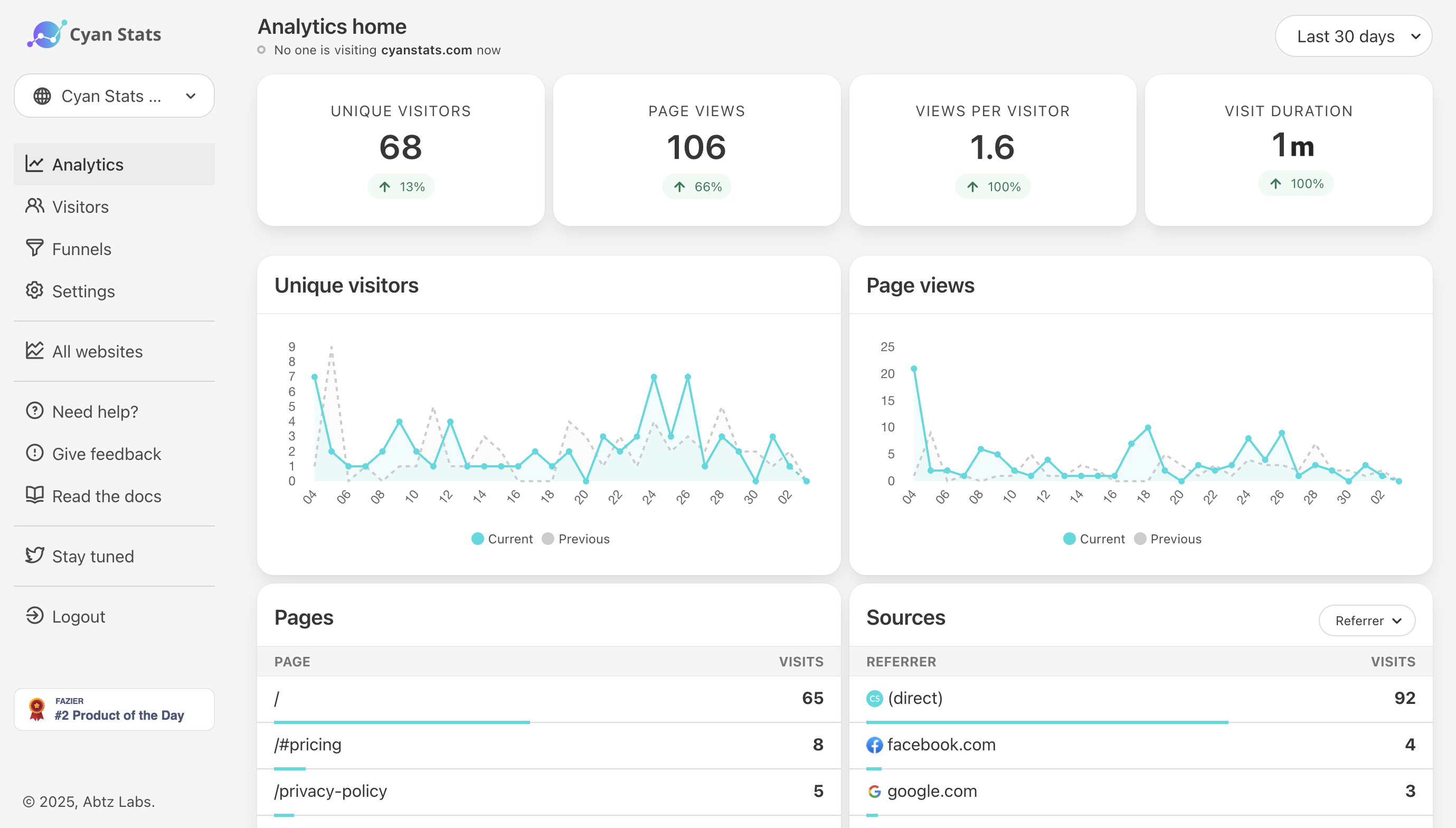
I am not here to give you a sales pitch, but I do think it is worth knowing what is possible. The tool I built, Abtz Analytics, ships a tracking script that weighs under 3KB gzipped. That is not a typo. Under three kilobytes. Compared to the 300KB+ GA4 stack, that is a 100x reduction in JavaScript before your own code even runs.
Because Abtz Analytics does not use cookies or collect personally identifiable data, you do not need a cookie consent banner at all. That removes not just the banner script, but the entire UX friction of a consent popup. Your site loads faster, your visitors are happier, and your compliance surface shrinks. GDPR, CCPA, and PECR compliance are built in by design, not bolted on later.
Setup is one line of code pasted into your <head>. It works with WordPress, Webflow, Next.js, or plain HTML. No npm packages, no build step, no configuration headache. If you can paste a script tag, you are done in under 60 seconds.
How to audit your own site
Do not take my word for any of this. Open Chrome DevTools, go to the Coverage tab, and start recording. Reload your page and watch how much of that GA4 script actually gets executed. Spoiler: for most sites, it is a lot less than 100%. You are downloading code you never run.
Then open the Network tab, filter by gtag or google, and watch the request waterfall. Count the bytes. Count the requests. Multiply by your monthly traffic. That is the real cost.
Lighthouse is another great sanity check. Run it on your production URL and look at the "Reduce unused JavaScript" and "Minimize third-party usage" audits. If Google is telling you that Google scripts are slowing down your site, maybe it is time to listen.
The bottom line
Google Analytics is powerful. If you need advanced attribution modeling, remarketing audiences, and deep ecommerce funnels, it might be worth the weight. But most sites do not need all of that. They need to know how many people visited, where they came from, and what they clicked. You do not need 300KB of JavaScript to answer those questions.
The next time you are about to paste that GA snippet into a project, pause for a second. Ask yourself: what am I actually trying to measure, and is there a lighter way to get there?
If you want to try a lighter way, Abtz Analytics is built exactly for that. One script, under 3KB, no cookie banners, and flat pricing (no metered pageviews, no surprise bills). You get a 14-day free trial with no credit card required, so you can see the difference without committing to anything.
Your users (and their data plans) will thank you.
About the Author
Rogerio is a seasoned Full-Stack Engineer, Product Owner, and Entrepreneur with a deep background in Information Systems. He bridges the gap between complex technical stacks and a customer-centric, product-first mindset.